Quick Start Tutorial
Build your first HLive page in two steps: a static page, then an interactive one.
Step 1: Static Page
Before you start, make sure you've installed HLive in your module. See the Installation section if you haven't yet.
Import HLive using the optional alias l:
package main

import l "github.com/SamHennessy/hlive"
Let's create our first page:
func home() *l.Page {
	page := l.NewPage()
	page.DOM().Body().Add("Hello, world.")

	return page
}
Next we use a PageServer to add it to an HTTP router:
func main() {
	http.Handle("/", l.NewPageServer(home))

	log.Println("Listing on :3000")

	if err := http.ListenAndServe(":3000", nil); err != nil {
		log.Println("Error: http listen and serve:", err)
	}
}
Your editor should add the extra imports net/http and log for you.
Save the file as main.go and run it:
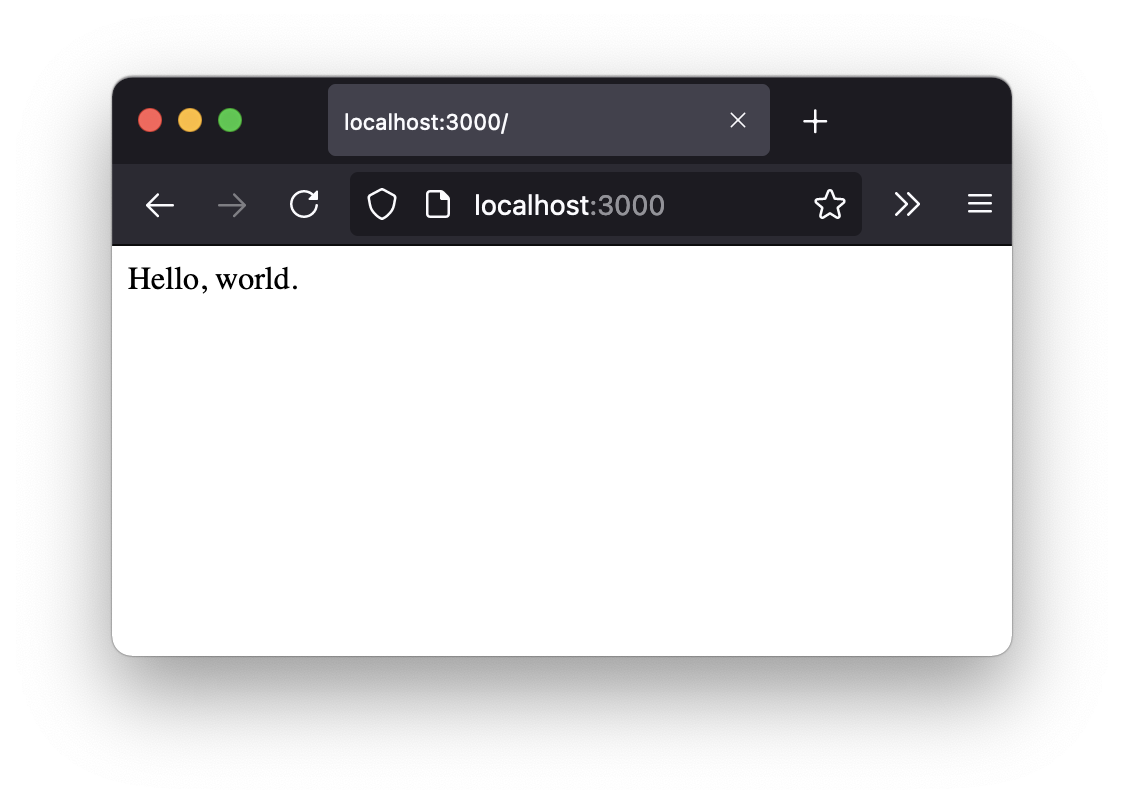
go run main.goIn a browser, go to http://localhost:3000 and you should see this:
Step 2: Interactive Page
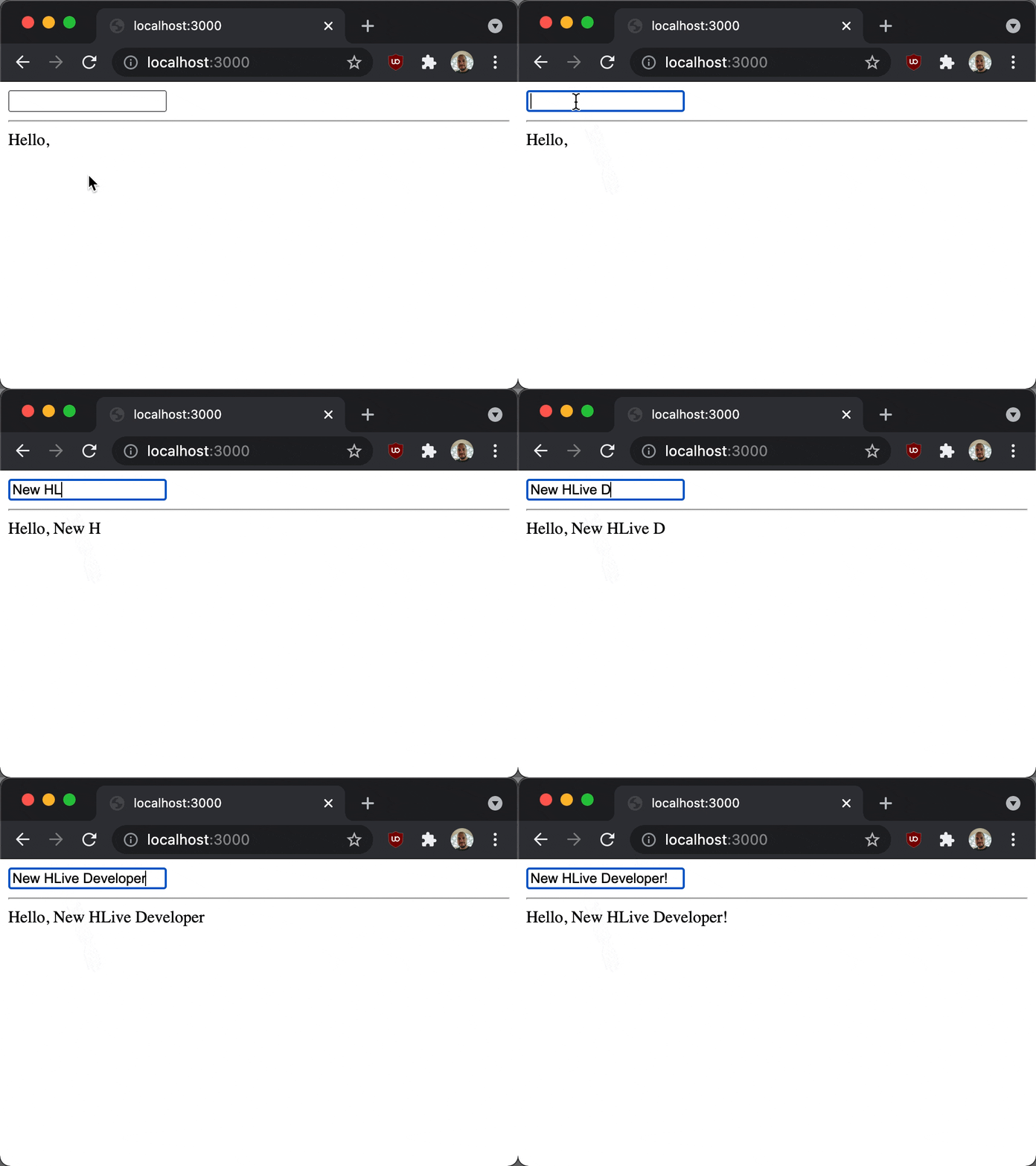
HLive is all about interactive content. Now we're going to add a text input field to let us type our own hello message.
We need to replace our existing home function. We need a place to hold our message. We'll use l.Box, which wraps a value so HLive can track changes to it and know when to re-render:
func home() *l.Page {
	message := l.Box("")
We're going to build our tags using hhtml, a companion package with a typed, autocompleting Go function for every HTML tag and attribute — Input, Div, Type and friends — instead of tag names as plain strings. Add it as a dot import so those names are available unqualified:
import (
	l "github.com/SamHennessy/hlive"
	. "github.com/SamHennessy/hlive/hhtml"
)
Now we're going to create a Component. Components are HTML tags that can react to browser events. We are going to base our Component on Input, giving it a text type:
input := Input(Type("text"))Here we add an EventBinding to listen to "keyup" JavaScript events. When triggered, the handler function will be called. Our handler will update message by using the data passed in the Event parameter. It needs to be there from the start, since that's how Input knows to build a live Component instead of a static tag:
	input := Input(
		Type("text"),
		l.On("keyup", func(ctx context.Context, e l.Event) {
			message.Set(e.Value)
		}),
	)
We create a new Page like before:
page := l.NewPage()Here we add our input to the body, but first we wrap it in a Div.
page.DOM().Body().Add(Div(input))Next, we will display our message. Notice that we're passing message itself, not its current value. That's key for making this example work: HLive re-reads it on every render, so the page always shows the latest value. We'll also add an Hr to stop it being squashed together.
	page.DOM().Body().Add(Hr())
	page.DOM().Body().Add("Hello, ", message)
Finally, we return the Page we created.
	return page
}
Let's see that all together, but this time using some shortcuts. Can you spot the differences?
func home() *l.Page {
	message := l.Box("")

	input := Input(
		Type("text"),
		l.On("keyup", func(ctx context.Context, e l.Event) {
			message.Set(e.Value)
		}),
	)

	page := l.NewPage()
	page.DOM().Body().Add(
		Div(input),
		Hr(),
		"Hello, ", message,
	)

	return page
}
Run it and type something into the input. The page should update to display what you typed.